Home ›Blog›How to›How to Create a Live Event on TikTok in a Few Easy Steps
How to Create a Live Event on TikTok in a Few Easy Steps
Posted on 29th Mar, 2026.
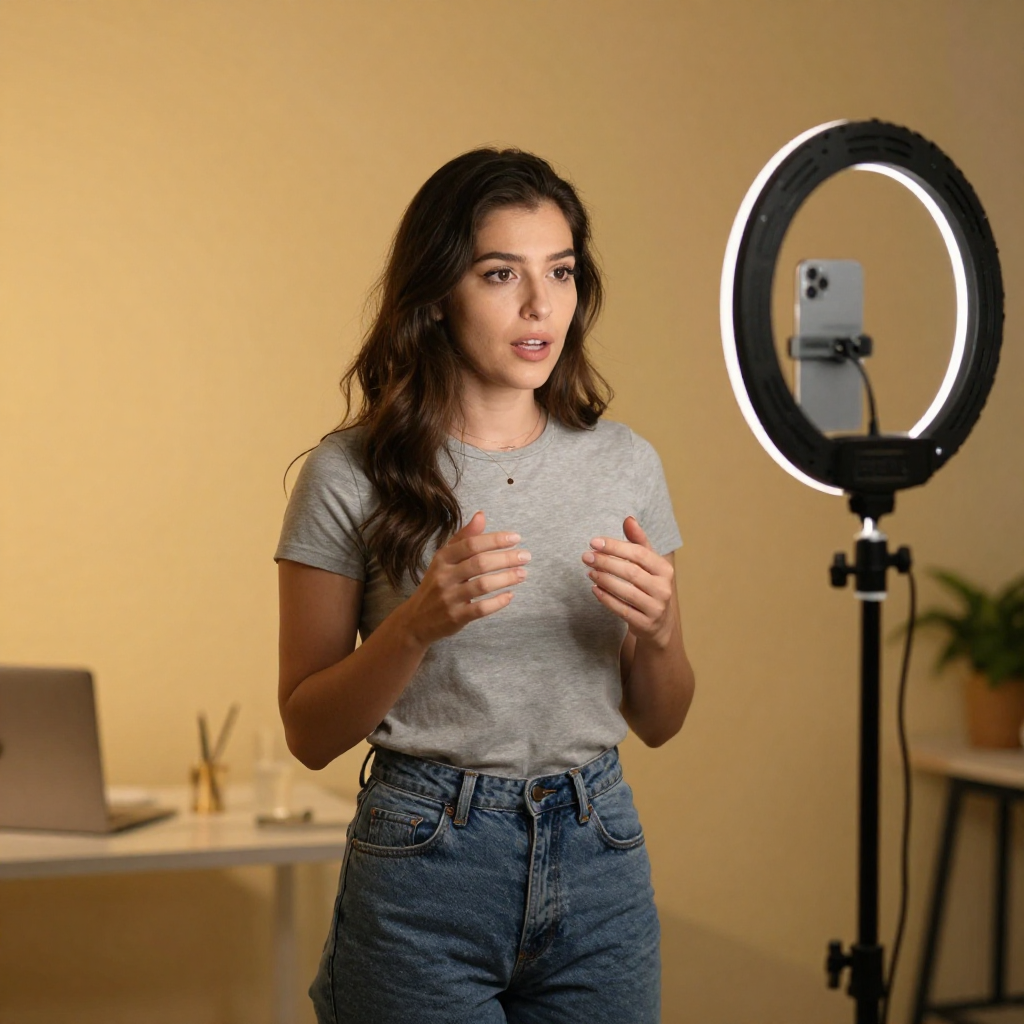
TL;DR (The Short Version)
- A LIVE Event allows you to appear live on your audience's feeds and interact with them.
- LIVE events can help you connect with your audience.
- Unlike going spontaneously Live, hosting an event help builds hype and anticipation.
- Read on for more tips on hosting LIVE events!
From Q&As and product launches to casual chats and performances, TikTok LIVE allows you to interact with viewers in the moment, building stronger relationships and boosting your visibility, often resulting in more followers and engagement. In this guide, we’ll walk through exactly how to create a live event on TikTok, along with tips to make it a success. Let's get into it.

Boost Your TikTok With Real Likes
Get instant engagement on your TikTok videos with real, high-quality likes.
100 likes at $ 1.72
What Is a TikTok LIVE Event?
A TikTok LIVE event is a scheduled livestream that your followers can see in advance, register for, and receive reminders about. Unlike spontaneous livestreams, events allow you to plan ahead and build anticipation.
This feature is particularly useful if you want to:
- Host a Q&A or AMA session
- Launch a product or announce news
- Run a tutorial or workshop
- Collaborate with another creator
- Perform (music, comedy, etc.)
Eligibility Requirements
Not everyone can go live in this way. Before you can create a LIVE event on TikTok, you’ll need to meet a few basic requirements:
- You must be at least 18 years old to host a LIVE
- You typically need at least 1,000 followers to access LIVE features
- Your account must be in good standing (no recent violations)
If you don’t meet these criteria yet, focus on growing your audience and maintaining consistent, engaging content.
How to Create a LIVE Event on TikTok
Setting up a live event is straightforward once you know where to look. Here’s how to do it step by step:
1. Open the TikTok app
Launch TikTok and tap the “+” button at the bottom of the screen, just as you would to create a regular post.
2. Swipe to LIVE
At the bottom of the recording screen, you’ll see different options like “Camera”, “Templates”, and “LIVE”. Swipe across and select “LIVE”.
3. Tap “LIVE CENTER"
Tap LIVE Center. Tap LIVE Events. Tap Create an event, then follow the steps to create a live event for the future.
4. Add event details
You’ll be prompted to enter a clear, engaging title (this is crucial for attracting viewers), and a start date and time.
5. Publish your event
Once everything is filled out, tap “Create”. Your event will now be visible to your followers, who can register and receive reminders.
Promoting Your LIVE Event
Promoting your live event boosts the chances of people engaging with your content.
Here's how to build anticipation:
- Post teaser videos: Create short clips hinting at what you’ll cover
- Use countdowns: Remind your audience how long is left until the event
- Pin a video: Keep your event announcement at the top of your profile
- Mention it in captions: Bring it up in your regular content
- Collaborate: If you’re going live with someone else like another content creator, cross-promote to both audiences.
What To Do During Your LIVE Event
- Plan a loose structure. You don't need to script your lines word by word, but having some idea where the event will go helps you keep it engaging and avoids things going off-piste.
- Start strong. Just like with regular TikToks, the first few seconds matter. Introduce yourself and explain what viewers can expect right away.
- Keep it visually clear. Make sure your lighting and audio are good. You don’t need professional equipment, but clarity makes a big difference.
- Choose the right timing. Go live when your audience is most active. This is often evenings or weekends, depending on your demographic. Check the time zone, too, as your audience might not be in your time zone.
What Not To Do During Your LIVE Event
- Going live without promotion. People won’t just show up by chance - you need to let them know the event is happening.
- Lack of focus. Rambling can cause viewers to drop off, so at least have a very basic script/schedule.
- Ignoring comments. Engagement is the whole point of LIVE, so interact directly with their audience.
- Poor timing. Going live when your audience is inactive limits reach.
Frequently Asked Questions
How do I set up a live event on TikTok?
To set up a live event on TikTok, start by opening the app and tapping the “+” button as if you’re creating a post. Swipe across to the “LIVE” option, then select “Schedule LIVE” or “Create Event”. From there, you’ll add a title, choose a date and time, and include a short description of what your live will cover. Once published, your followers can register for the event and receive reminders when it’s about to begin.
Keep in mind that you’ll typically need at least 1,000 followers and be over 18 to access LIVE features.
How many TikTok followers do I need to make £2,000 a month?
There’s no fixed follower count required to earn £2,000 a month on TikTok, because income depends far more on engagement, niche, and monetisation strategy than raw follower numbers.
Smaller creators can earn this level of income through niche brand deals, affiliate marketing, or selling products/services, especially with a highly engaged audience, although it's definitely not a guarantee.
Mid-sized creators often reach £2,000/month more consistently through a mix of sponsorships, TikTok LIVE gifts, and creator funds, while larger creators typically have multiple income streams and can exceed this amount more reliably.
A TikTok post published by Megafamous
We provide marketing solutions for all your TikTok needs. Check out our Premium tiktok likes , high-quality tiktok followers and instant tiktok views . Or why not just read some more posts about TikTok?