Home ›Blog›How to›How to Make TikTok Edits: A Beginner’s Step-by-Step Guide
How to Make TikTok Edits: A Beginner’s Step-by-Step Guide
Posted on 15th Feb, 2026.
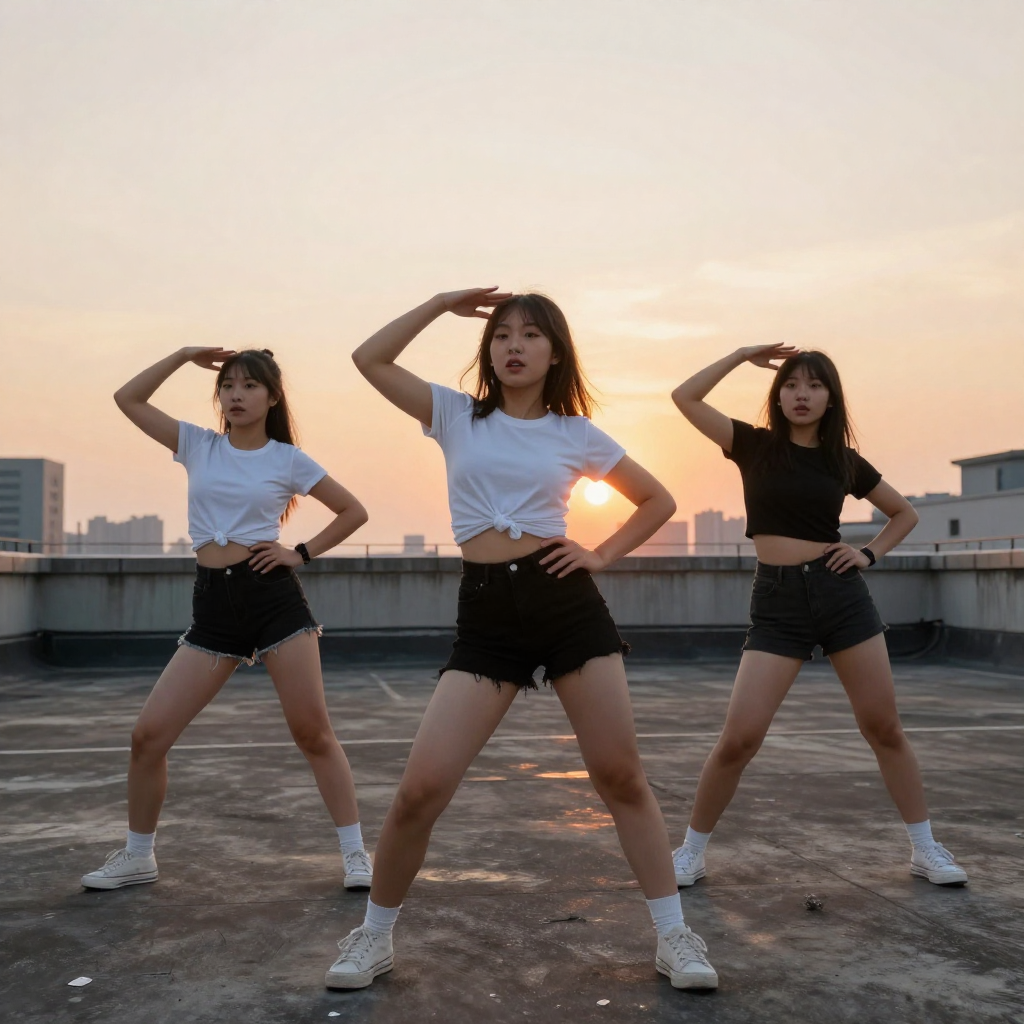
TL;DR (The Short Version)
- TikTok edits are short, dynamic Instagram videos that typically combine a series of clips with a trending audio.
- They're extremely popular and can boost engagement significantly.
- Read on for a step-by-step breakdown of how to craft the perfect edit.
TikTok edits are short, dynamic videos that combine clips, music, effects, and transitions to create something engaging and visually striking. They typically consist of fan content, aesthetic lifestyle clips, travel moments, or trending audio and can dramatically increase your views and engagement. In fact, they're some of the most liked and reposted posts on TikTok. A 2020 edit of Timothee Chalamet is still referenced as one of the app's most viral vids to this day!
If you’re just starting out, don’t worry; you don’t need expensive software or professional equipment. Here’s exactly how to make TikTok edits from scratch.

Boost Your TikTok With Real Likes
Get instant engagement on your TikTok videos with real, high-quality likes.
100 likes at $ 1.72
Step 1: Choose Your Concept
Before opening any editing app, decide what your edit will be about. TikTok edits work best when they’re focused and intentional.
Is it a fan edit? A travel montage? A glow-up transformation? Or a funny trend using trending audio?
Strong edits usually centre around one clear mood or theme. For example, a dramatic edit might use cinematic clips and slow-motion effects, while a fast-paced edit might rely on quick cuts and beat drops. Having a clear concept makes the editing process much easier, and allows you to plan it out, clip by clip.
Step 2: Pick the Right Audio
Audio is everything on TikTok. In many cases, your music choice determines whether your edit feels powerful or forgettable.
To choose good audio, you can check the Discover or For You page for trending sounds. Look for songs with noticeable beat drops and save audio that matches your edit’s mood. You could even use dialogue clips for dramatic or funny edits.
Many successful edits are structured around a beat drop or a strong lyric. You’ll often time your clips to match the rhythm of the song, which makes the edit feel polished and professional.
Step 3: Gather Your Clips
Next, collect the video clips or photos you want to use. Use high-quality footage (clear lighting makes a huge difference) and keep clips short; TikTok's algorithm and the app's users favour fast pacing.
Best practice is to film more than you think you need; extra footage gives you options. If you’re making a fan edit, save high-quality scenes in advance. If it’s a lifestyle edit, capture a variety of angles and movements to keep it visually interesting.
Step 4: Choose an Editing App
You can edit directly in TikTok, but most creators use dedicated editing apps for more control.
Popular beginner-friendly options include:
- CapCut (very popular for TikTok edits)
- InShot
- VN Editor
- Adobe Premiere Rush
- LumaFusion (for more advanced creators)
CapCut is especially popular because it integrates easily with TikTok and includes built-in templates, transitions, and effects designed for trends.
Step 5: Cut to the Beat
Import your audio and mark the beat drops or strong rhythm points. Then:
- Trim your clips so they change on the beat.
- Speed up or slow down clips for emphasis.
- Add dramatic pauses before a drop.
- Fast-paced edits use quick cuts (0.3–0.7 seconds per clip), while cinematic edits use slower transitions and longer shots.
Step 6: Add Transitions and Effects
Transitions and effects can elevate your edit, but don’t overdo them. The key is subtlety. Too many effects can make your edit look cluttered or amateurish.
Common transitions include a smooth zoom, spin transitions, fade in/out, and flash transitions on beat drops.
Effects to consider:
- Motion blur for smoother cuts
- Colour grading to create a consistent aesthetic
- Light leaks or film grain for a vintage vibe
- Shake effect for dramatic moments.
Step 7: Use Text and Overlays (Optional)
Text can enhance storytelling or add humour - just keep it readable and avoid placing it where TikTok’s interface covers it (bottom and right side areas are often obscured). You could add a quote, highlight song lyrics, insert subtitles, or include a short caption at the beginning.
So, there you have it! Follow our steps, use the right app, and smash your edit.
Frequently Asked Questions
What do TikTokers use to edit their videos?
Many TikTok creators use a mix of in-app editing tools and external apps for more control. The built-in TikTok editor is great for quick cuts, basic transitions, text overlays, and syncing to trending audio. However, more advanced edits are often created using dedicated editing apps.
CapCut is one of the most popular tools because it integrates easily with TikTok and offers ready-made templates, smooth transitions, beat detection, and effects tailored for trends. Other commonly used apps include InShot, VN Editor, Adobe Premiere Rush, and LumaFusion for more professional-level editing. Some advanced creators even use desktop software such as Adobe Premiere Pro or Final Cut Pro for highly detailed edits.
How to make your own TikTok edits?
Making your own TikTok edits is easier than you think. Start by choosing a clear theme or mood for your video. Select a piece of audio that matches the vibe you’re going for, ideally one with a strong beat or noticeable transitions. Gather short, high-quality clips filmed vertically, then import them into an editing app.
The key to a polished edit is timing. Trim your clips so they change on the beat of the music, especially around any drops or dramatic moments. Add simple transitions, subtle effects, and light colour adjustments to keep everything cohesive. Avoid overloading your edit with too many filters or flashy effects since clean and intentional usually performs better than chaotic and cluttered. Once finished, export in high quality (1080p, vertical format) and upload with a short caption and relevant hashtags.
A TikTok post published by Megafamous
We provide marketing solutions for all your TikTok needs. Check out our Premium tiktok likes , high-quality tiktok followers and instant tiktok views . Or why not just read some more posts about TikTok?